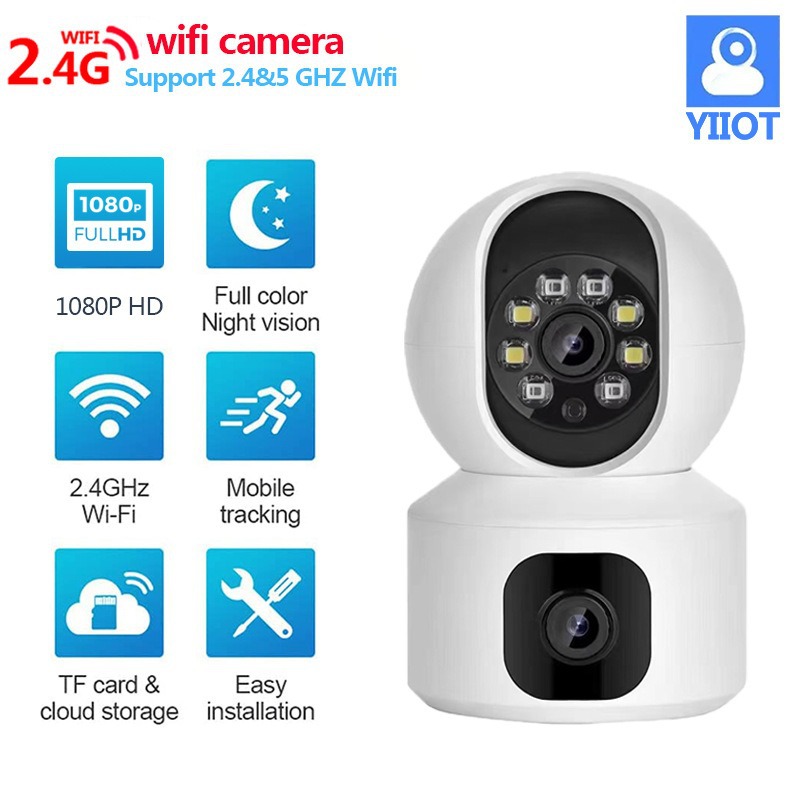
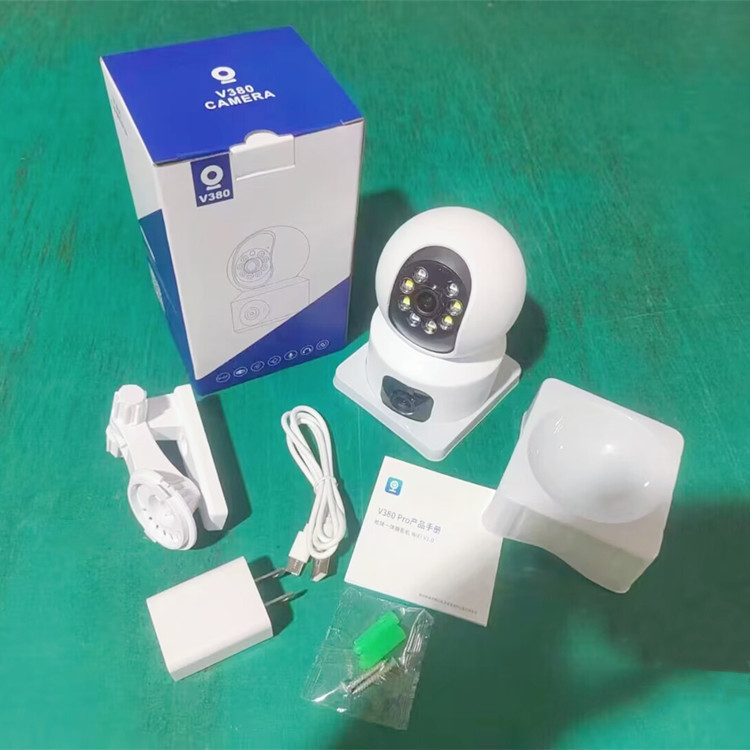
Security concerns in the country and the communities have increased in recent times but with this stand alone, All-in-one Dual Len security Camera Security is guarantee and ensure round the clock monitoring of your environment.
This camera is very useful around home, office, farm, shop, factory, and can be connected either with WIFI or SIM. Dual Len PTZ Security Camera is widely used by people to be in total control of activities and movements and keeping proper account of it.
This camera support 360° view, motion detection, different view mode, iOS and Android. also support preview and playback, Point -to- point Wi-Fi technology and It records 24 hours with Memory Card.
The camera is easy to install and comes with everything you need to get started. Just plug it in, connect to your WiFi or insert your sim card, and you're ready to go! You can view the camera's feed remotely from your smartphone or computer, so you'll always know what's going on.
Features Overview
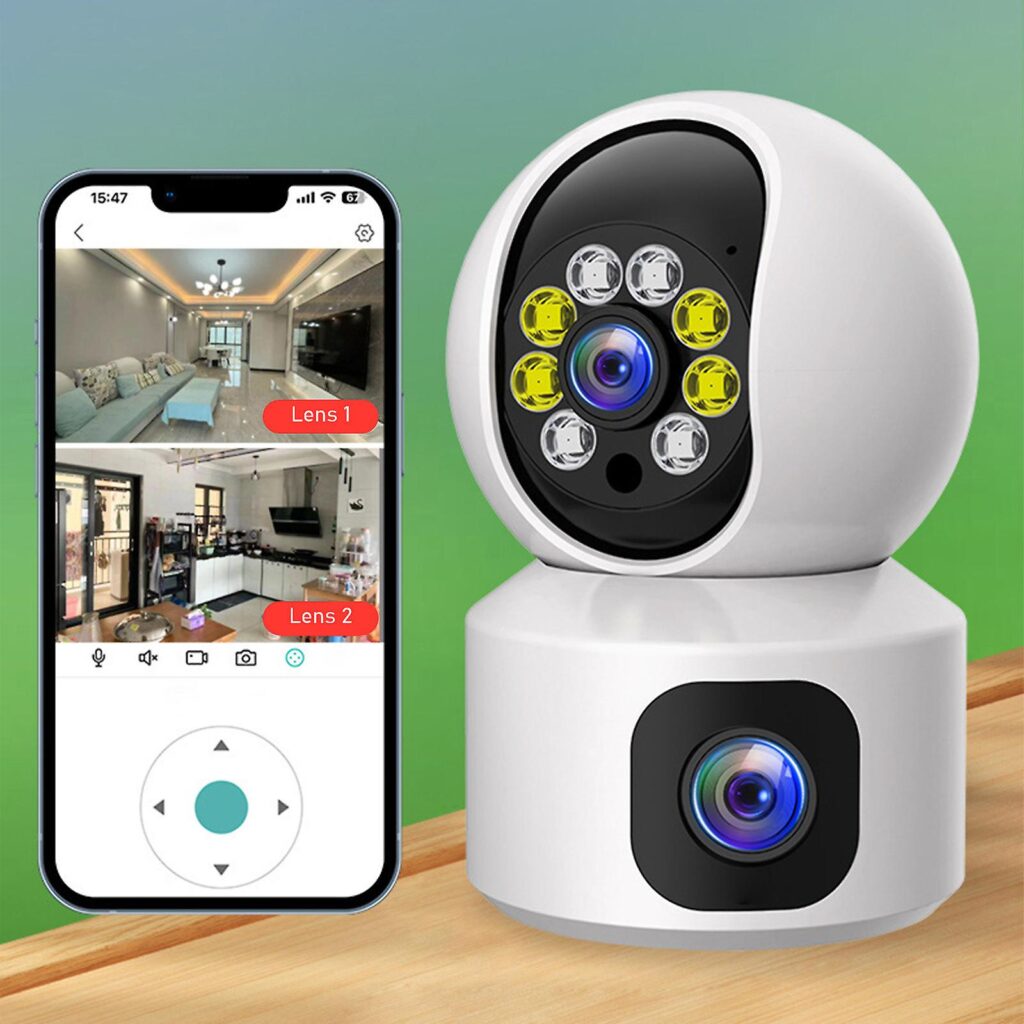
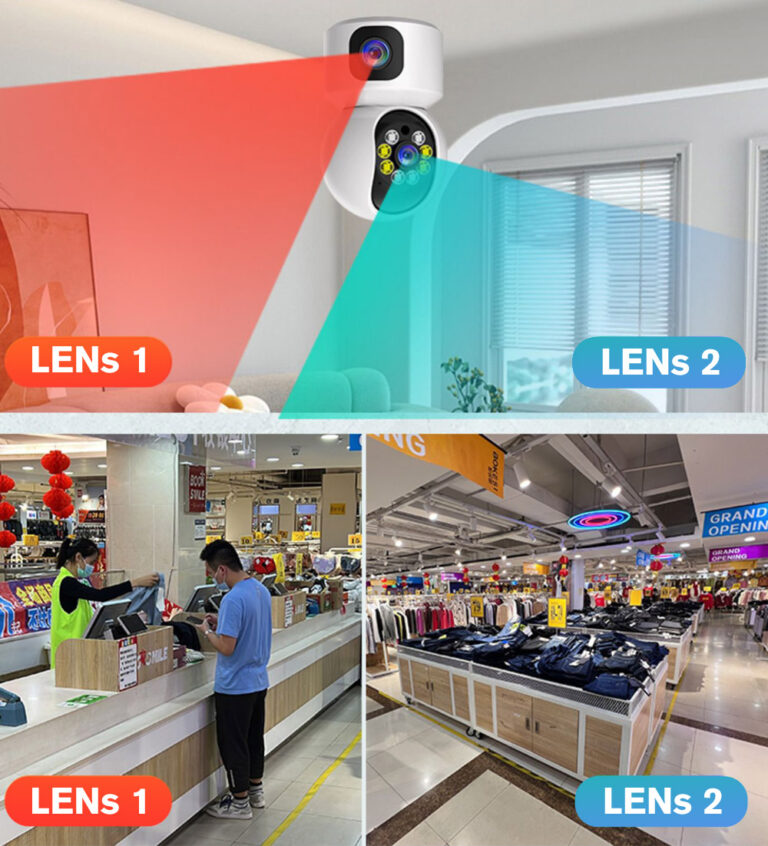
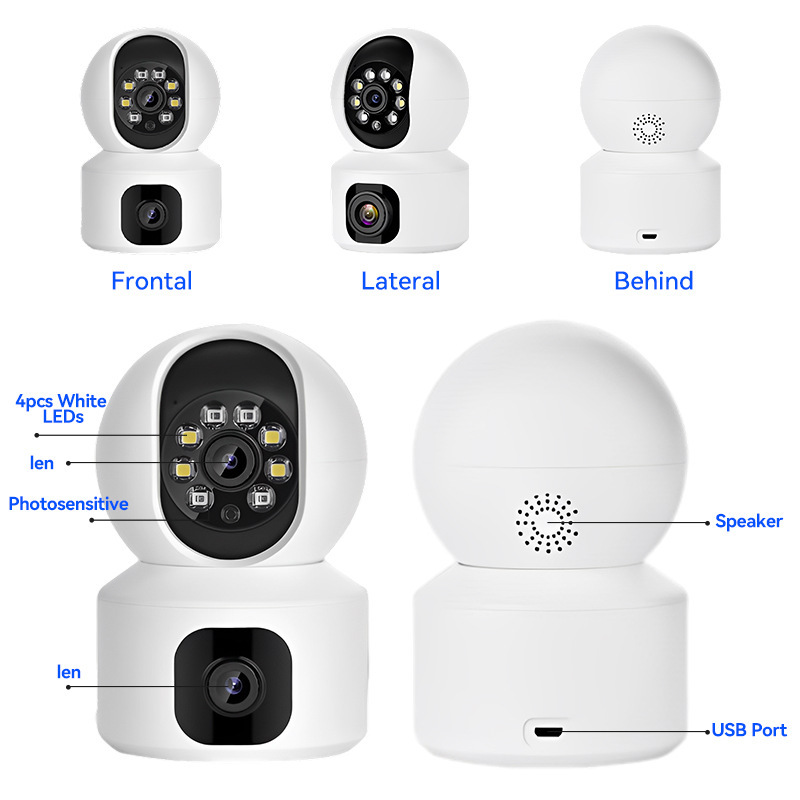
Dual Screen Live video
One camera can monitor two positions, which is equivalent to two cameras, saving you more money.
HD Quality
Live stream and watch recordings in more brilliant detail than ever before.
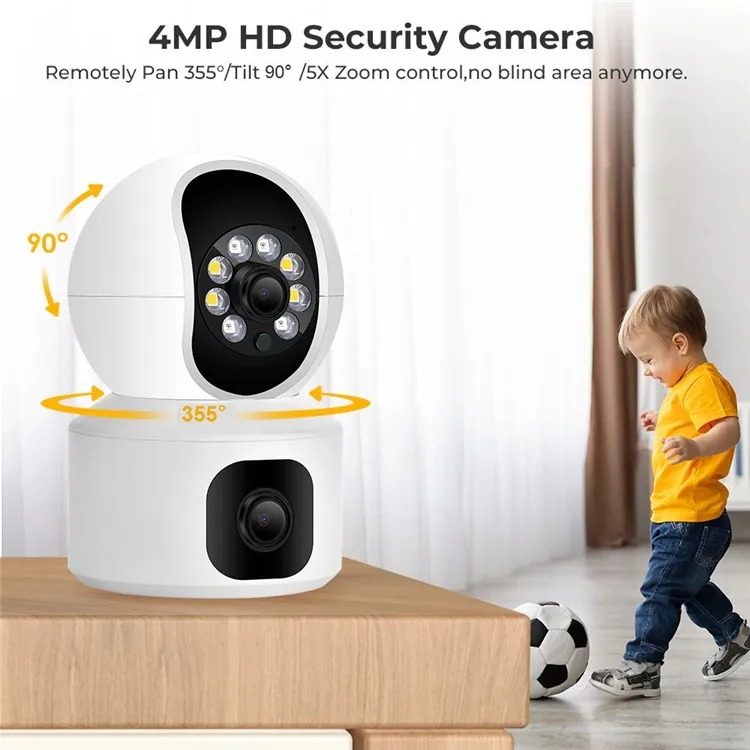
360° Viewing Angle
You can rotate the camera either UP/Down/Left/Right to monitor anywhere you want.
Clear 2-Way Audio
Built-in microphone and speaker, which allows you listen in and talk back through the built-in speaker and mic, straight from your smartphone remotely anytime.
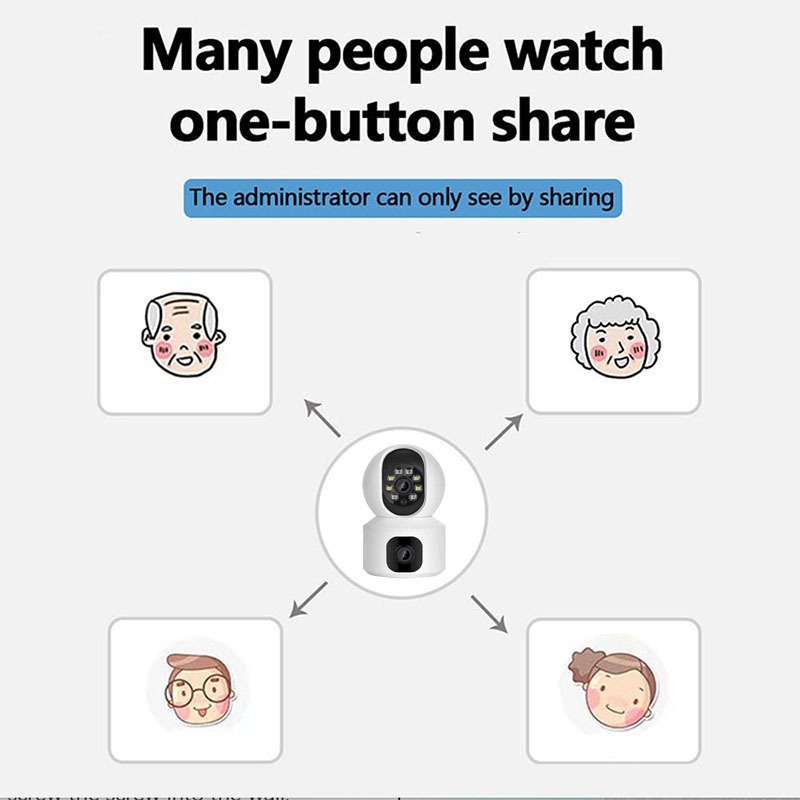
Remote Access/Multi-User
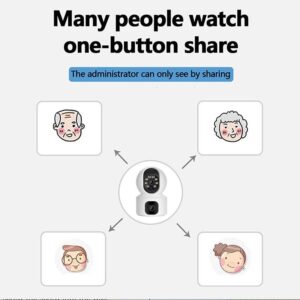
Videos can be viewed by APP ,Browser or PC Software. It brings much convenience for multi viewing method.
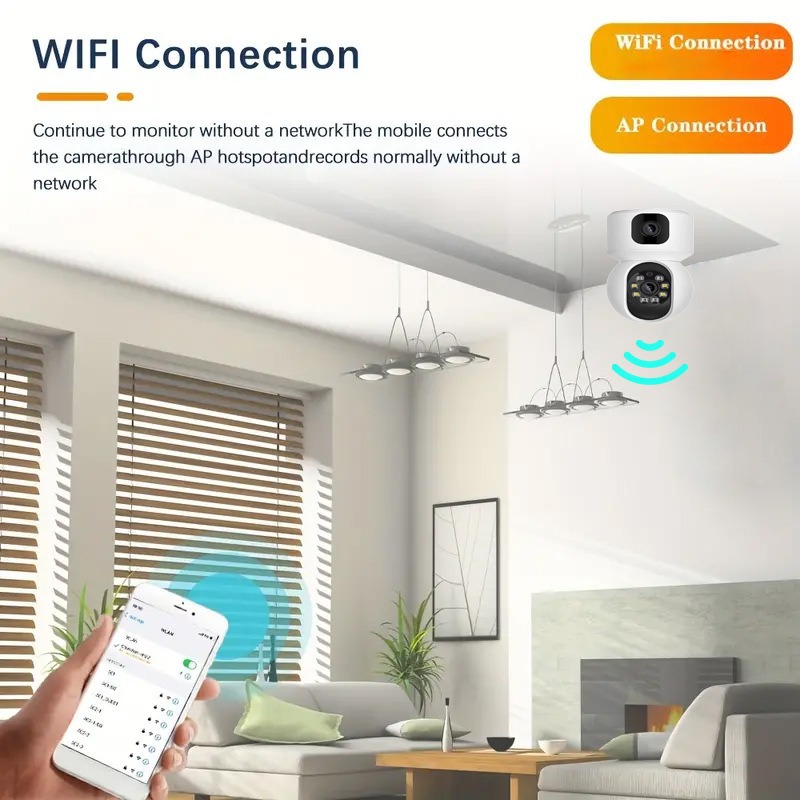
Support AP/WiFi Mode/SIM
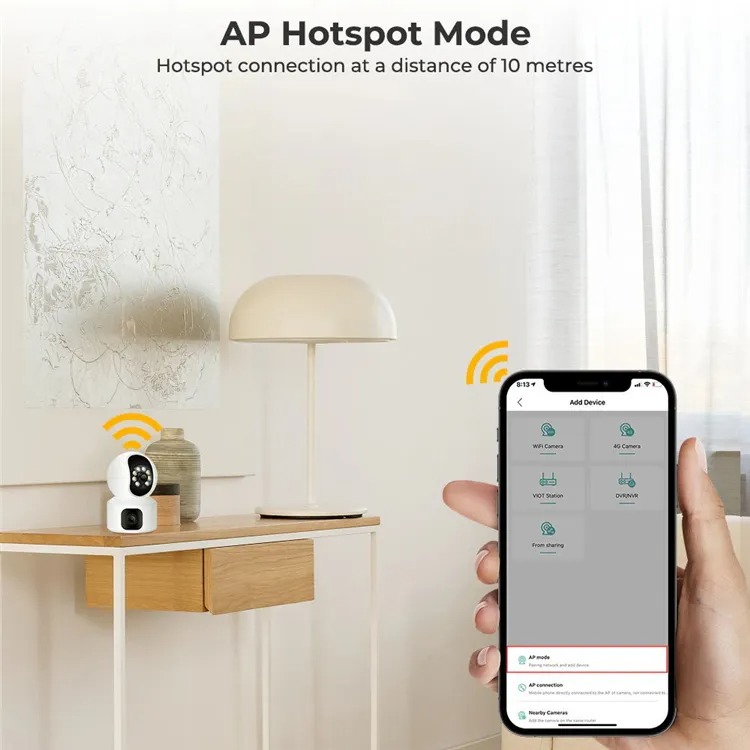
No internet? Don’t worry, you can connect the camera within 10 meters through AP mode, view the camera in real-time and make video recording settings.
Advanced Motion Detection
Wide-angle PIR motion sensor makes sure no movement will slip through without your notice. The security camera will buzzing and send real-time movement alert to your phone App, email and record in the SD card
Humanoid/Automatic Tracking
After locking the target, the camera will adjust and rotate automatically tracking the moving Objects, Cars, Pets, humans, and pushing the alert notifications to your Smartphone.
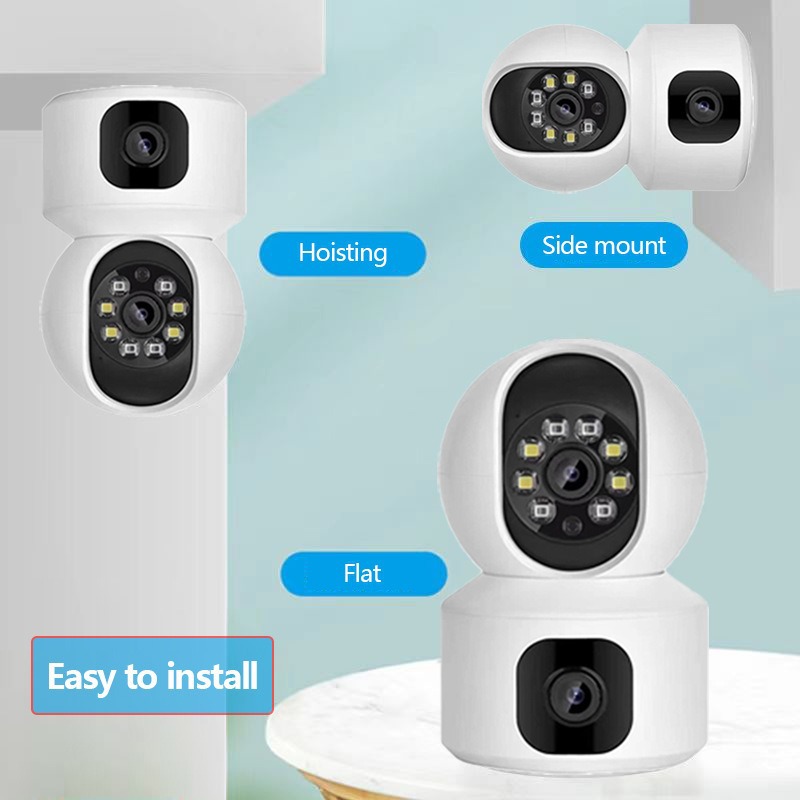
Easy To Install
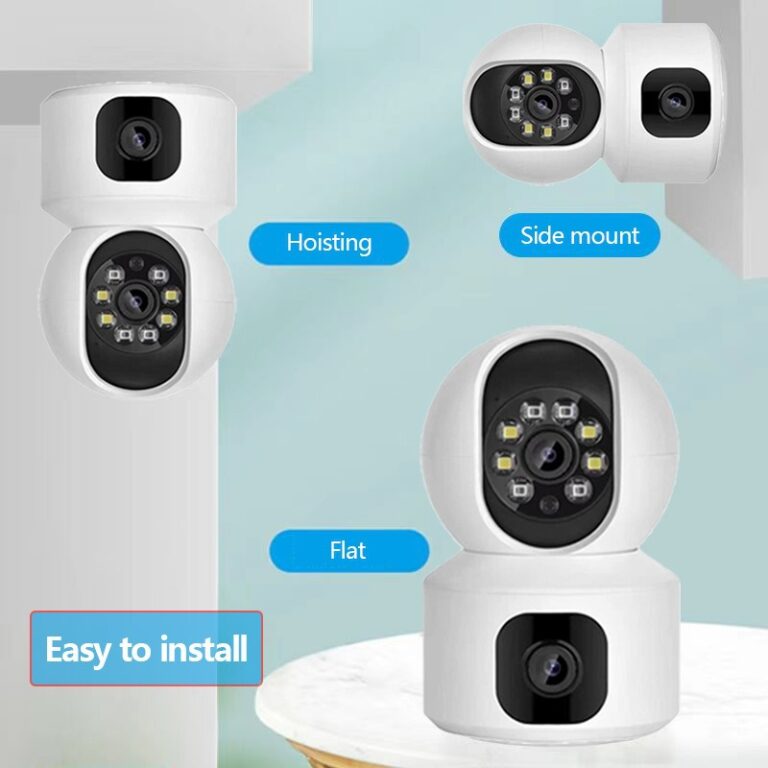
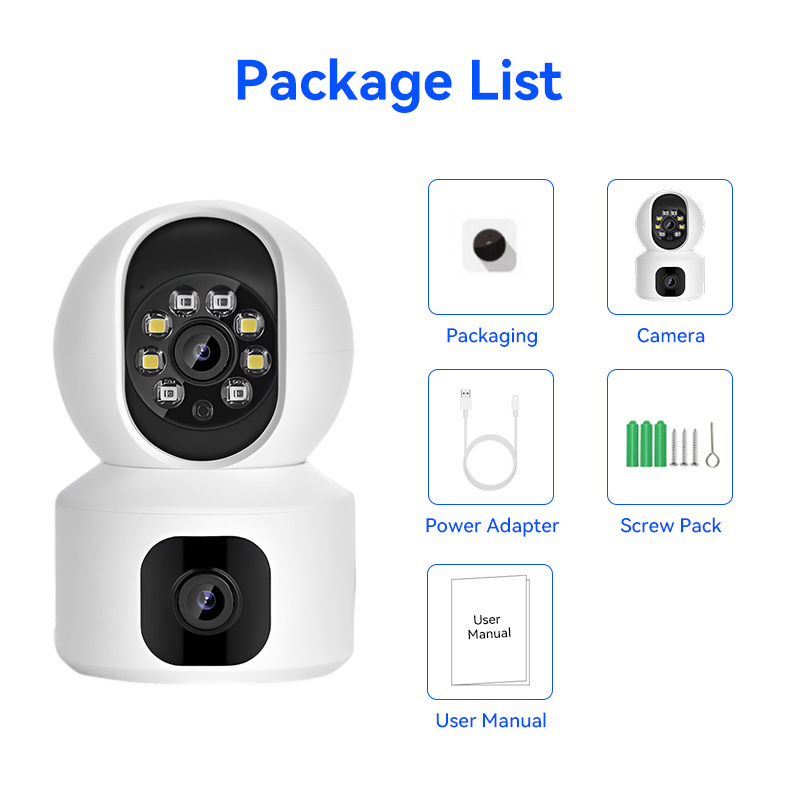
The device is very compact and easy to install and operate. Comes with a user manual and tools required for installation.
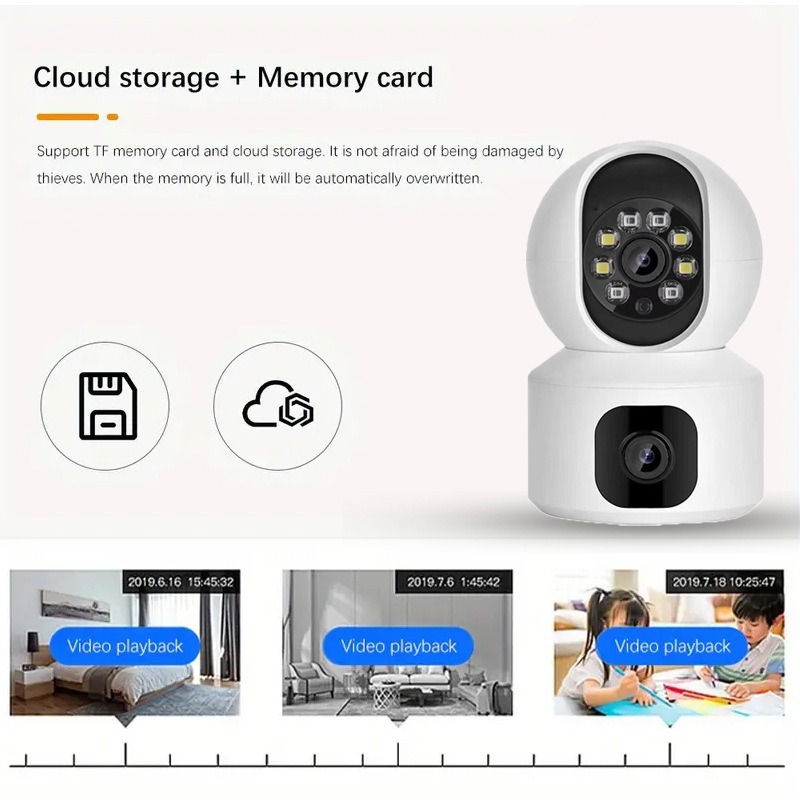
Support TF Card &
Built-in SD card slot allows for local backup storage up to 128GB in the event of Internet interruption
Cloud Storage
This camera support the cloud storage , which means you can save video for later viewing.
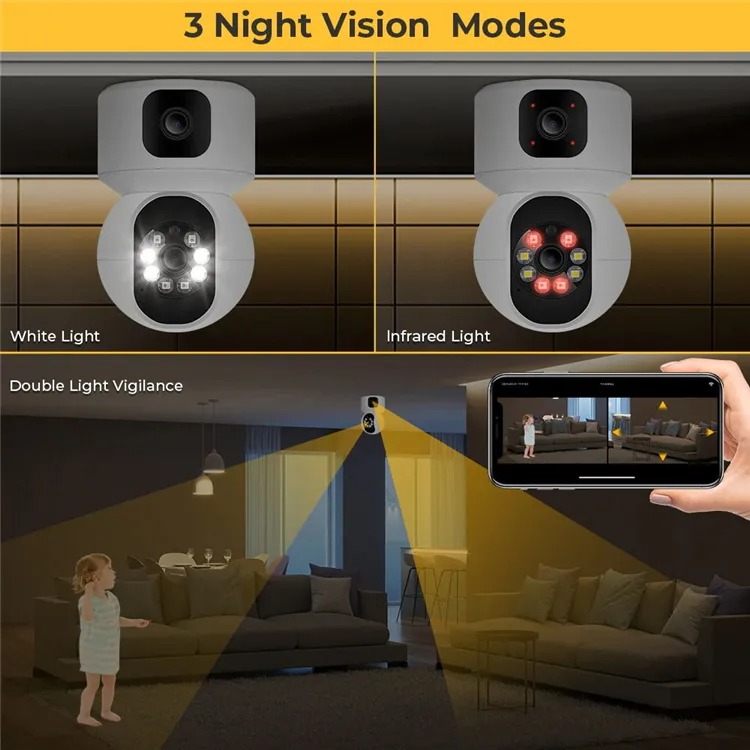
Infrared Night Vision
The Camera shows clearly during the day in color, and at night with dual infrared light so bright and excellent with clear visibility at Night when everywhere is dark.
With This camera, you will be able to:
See what is happening at home or anywhere of your choice while you are away.
It can detect movements in your house and sends you a phone alert. With this, you can log in to the camera app on your phone and look at what is going on. You can even take clear pictures of the intruder.
You can communicate with people in the room where the camera is by using the 2-way audio function in the bulb.
Record everything as its happening from anywhere you are using your mobile phone.
Take pictures of things happening in your absent.
Listen to discussions happening in your absence.
and many more.
NOTE: You can connect as many cameras as you want to one mobile phone
You don’t need any data to start using this product, It comes with inbuilt Wifi which you can connect with your phone and even If you don’t have light at home, you can use INVERTER OR SOLAR OR GENERATOR OR POWERBANK
You Can Install It Within 5 Minutes
To get this WIFI Dual Len camera installed and working, you do not need the help of anyone.
Step One: First things to do is to connect it to power sources.
Step Two: Then download and install the app of the camera(V380 Pro) to your phone from playstore or appstore – (Instructions on how to do this is included in the package)
Step Three: Once the app is installed on your phone, you can begin to use it to access the camera anytime you want.
Step Four: Connect the camera with your phone Wi-Fi and open the camera App to install the camera on your phone.
We will send you video guide on how to connect the camera as well
HOW TO ORDER
Yes, I Want The SECURITY CAMERA !
KINDLY FILL THE FORM BELOW TO PLACE YOUR ORDER
PLEASE NOTE:
This is for serious buyer.
Please carefully read the notice below:
1. Do not place order if you don’t have money to pay for this item.
2. Do not place order if you know you are travelling within 3 days.
3. Do not place order if you know you won’t pick calls during delivery.
PLEASE IT IS VERY IMPORTANT YOU ARE SURE TO BUY THIS PRODUCT BEFORE YOU PROCEED.
IT WON’T BE NICE IF AFTER YOU REQUEST FOR DELIVERY AND YOU BEGIN TO GIVE EXCUSES WHEN THE DELIVERY AGENT WANT TO DELIVER THE ITEM TO YOU.
IF YOU NEED MORE EXPLANATION CALL US HERE PLEASE BEFORE ORDERING: 08135596971
Fill The Form Below to Order
HAVE A QUESTION TO ASK?
You can Call Or WhatsApp Us On 08135596971
Click on the Whatsapp icon below to chat with our representative for more information.
Please Note: It takes about 2 to 4 days for delivery outside Lagos State While Lagos and Ibadan takes 24 – 48 hours for Delivery.